
Monolith Free Download
Monolith is a top-down action roguelike where players pilot a powerful spaceship through procedurally generated galaxies. With intense twin-stick shooting and deep customization, it offers a challenging and replayable experience for fans of fast-paced combat.

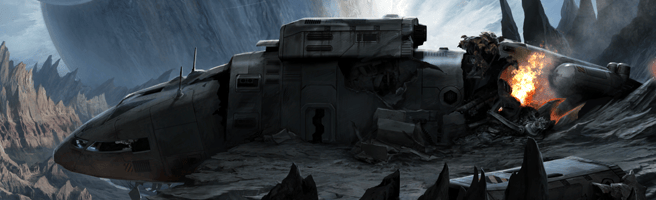
A failed mission?
Crashed on a baren planet. Hardly any memory of the missions goal. Equipped only with her own apprehension.
Tessa, a space explorer at the service of the Intergalactic Mining Corporation, tries to overcome this impossible situation and to escape this place alive. The broken ship will not provide her shelter for long. The only support she has got is a small analysis robot called C.O.R.E. and his few but helpful functions.
This is the beginning of a quest for fading hope. If she can not help herself and can not call for other people, she is lost.
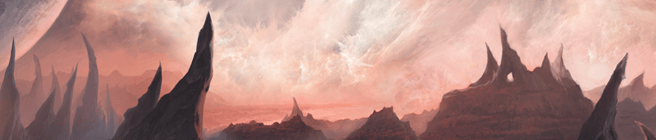
An unknown planet
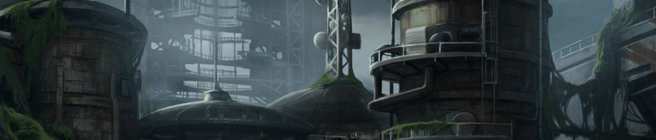
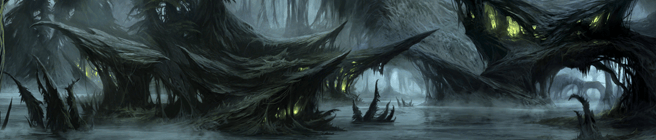
Although her prison makes every effort to pretend its uninhabited, Tessa finds an old mining station between rocks and swamps which belongs to her employer.
While exploring the old structure and trying to bring it back to life a bad feeling comes alive with it. This place does not look as if it was left orderly.
A traditional adventure
Embark on a thrilling and emotional journey which leads you through a dense, murky and suspenseful atmosphere. Control the game by mouse, examine your surroundings to gather information and to understand their connections.
Use your ingenuity, combine items and control machines in order to solve and overcome Tessas struggle for survival.
Details
- 50 hand drawn locations full of atmosphere and detail
- Three dimensional characters and motion capture animations
- 7 – 9 hours of play time
- System: : Windows 10
- Processor: : 1.4 GHz
- Memory: : 3 GB RAM
- Storage: : 8 GB available space
- Sound Card: : Windows Compatible Audio Device
- System: : Windows 10
- Processor: : 3 GHz
- Memory: : 6 GB RAM
- Storage: : 8 GB available space
- Sound Card: : Windows Compatible Audio Device
- Download the game files and wait for the process to complete.
- Locate the installer and run it.
- Follow the on-screen instructions to install the game.
- Once the installation is complete, launch the game from the shortcut or installation folder.
- That’s it! You’re ready to play. Enjoy the game!
Reminder:
This download is completely free and won’t cost you anything. If you enjoy the game, please consider purchasing it here to support the developers.
Before getting started, please make sure you have a compatible download client installed. If needed, you can download one for free here.


Ask setup questions, share fixes, or help other players with useful context.
Start the discussion with a useful question, fix, or gameplay tip.