
Kholat Free Download
Kholat is a survival horror game that takes place in the Ural Mountains. Players must navigate the harsh environment and uncover the truth behind a tragic event. The game features a strong focus on exploration and discovery.

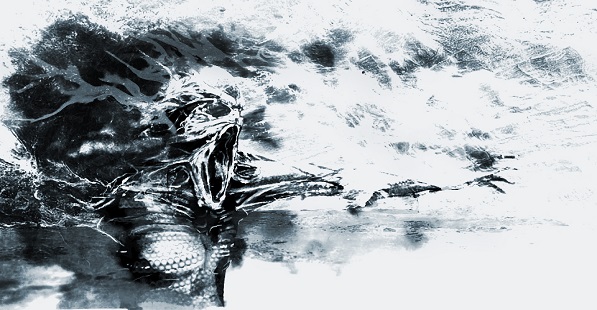
Narrated by one of the most popular British actors, Sean Bean, Kholat is an exploration adventure game with elements of horror, inspired by a true event known as the Dyatlov Pass incident – a mysterious death of nine Russian hikers, which led to countless, unconfirmed hypotheses. The player will plunge directly into the boundless scenery of the inhospitable Ural Mountains with the task to find out what really happened. In the course of events, you may come across more speculations than expected…
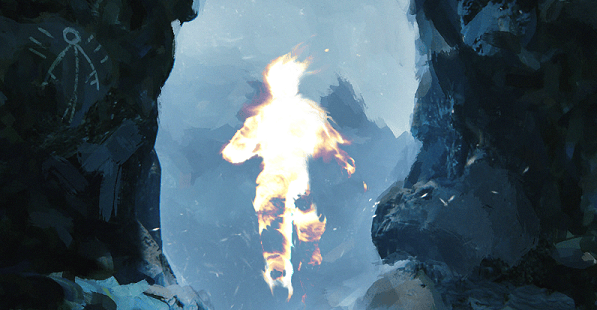
Will you find the answer?
Will you get any closer to the truth?
Will you survive?
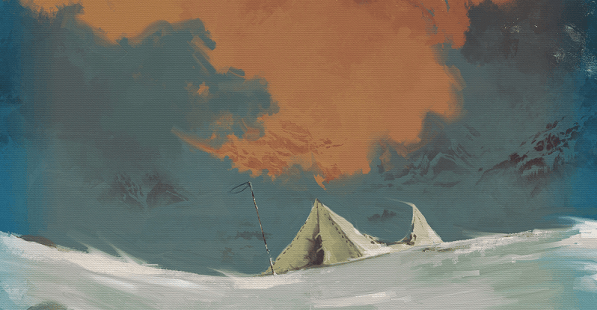
Dyatlov Pass incident was a real story that happened in winter of 1959. Nine skilled alpinists went for a trip to the northern part of Ural Mountains, which ended fatally. Bodies of expedition’s crew were found scattered on slope of Kholat Syakhl.
Russian investigators closed the case stating that “a compelling unknown force” had caused the deaths.
More information about Dyatlov Pass Incident can be found at: http://en.wikipedia.org/wiki/Dyatlov_Pass_incident
Features:
- stunning art design
- immersive exploration experience
- sophisticated music and sounds
- chilling atmosphere and tension
- self made story inspired by true events
- main storyline and a lot of background plot to be discovered by players
- non-linear open world
- in-game navigation by map and compass
- powered by Unreal Engine 4
- challenging exploration
- estimated game length: 4 – 6 hours
- System: Windows 7 / 8
- Processor: Intel Core i3
- Memory: 4 GB RAM
- Graphics: GeForce GTX 470
- DirectX: Version 10
- Storage: 5 GB available space
- Additional Notes: Mouse; Keyboard
- System: Windows 8.1 64 bit
- Processor: Intel Core i5
- Memory: 8 GB RAM
- Graphics: GeForce GTX 660 TI
- DirectX: Version 11
- Storage: 10 GB available space
- Download the game files and wait for the process to complete.
- Locate the installer and run it.
- Follow the on-screen instructions to install the game.
- Once the installation is complete, launch the game from the shortcut or installation folder.
- That’s it! You’re ready to play. Enjoy the game!
Reminder:
This download is completely free and won’t cost you anything. If you enjoy the game, please consider purchasing it here to support the developers.
Before getting started, please make sure you have a compatible download client installed. If needed, you can download one for free here.


Ask setup questions, share fixes, or help other players with useful context.
Start the discussion with a useful question, fix, or gameplay tip.