
Darksiders III Deluxe Edition Free Download
Darksiders III Deluxe Edition features the return of Fury, one of the Four Horsemen of the Apocalypse. Players will engage in a quest to hunt down the Seven Deadly Sins in a richly crafted world filled with challenging enemies and intricate puzzles.

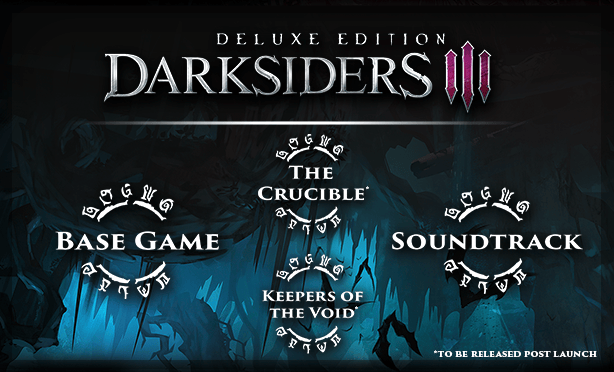
Return to an apocalyptic Earth in Darksiders III, a hack-n-slash Action Adventure where players assume the role of FURY in her quest to hunt down and dispose of the Seven Deadly Sins. The most unpredictable and enigmatic of the Four Horsemen, FURY must succeed where many have failed – to bring balance to the forces that now ravage Earth. Darksiders III is the long-anticipated, third chapter in the critically-acclaimed Darksiders franchise.
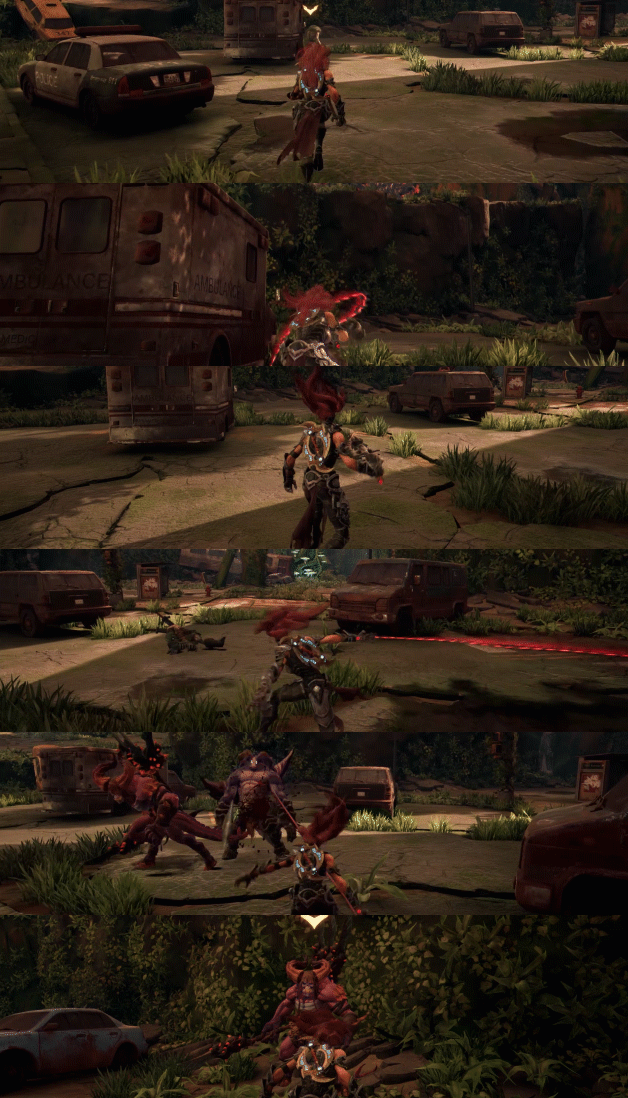
- Play as FURY – a mage who must rely on her whip and magic to restore the balance between good and evil on Earth!
- Harness FURY’s magic to unleash her various forms – each granting her access to new weapons, moves and traversal abilities.
- Explore an open-ended, living, free-form game world in which FURY moves back and forth between environments to uncover secrets while advancing the story.
- Defeat the Seven Deadly Sins and their servants who range from mystical creatures to degenerated beings.
- Sit in awe of Darksiders signature art style – expansive post-apocalyptic environments that take the player from the heights of heaven to the depths of hell, dilapidated by war and decay and overrun by nature.

- System: : Windows 7 / 8 / 10 64 bit
- Processor: : AMD FX-8320 (3,5 GHz) / Intel i5-4690K (3,5 GHz) or better
- Memory: : 8 GB RAM
- Graphics: : GeForce GTX 660 / Radeon R7 370 with 2 GB VRAM
- DirectX: : Version 11
- Storage: : 25 GB available space
- System: : Windows 7 / 8 / 10 64 bit
- Processor: : Intel Core i7-3930K (3.2 GHz)/AMD Ryzen 5 1600 (3.2 GHz) or better
- Memory: : 16 GB RAM
- Graphics: : AMD Radeon RX 480 / NVIDIA GeForce GTX 970 with 4 GB VRAM
- DirectX: : Version 11
- Storage: : 25 GB available space
- Additional Notes: : We recommend using a controller.
- Download the game files and wait for the process to complete.
- Locate the installer and run it.
- Follow the on-screen instructions to install the game.
- Once the installation is complete, launch the game from the shortcut or installation folder.
- That’s it! You’re ready to play. Enjoy the game!
Reminder:
This download is completely free and won’t cost you anything. If you enjoy the game, please consider purchasing it here to support the developers.
Before getting started, please make sure you have a compatible download client installed. If needed, you can download one for free here.


Ask setup questions, share fixes, or help other players with useful context.
Start the discussion with a useful question, fix, or gameplay tip.